
Weke Console
Give operators one control room for service coordination
Weke Console brings queues, service state, and linked infrastructure context together so operators can coordinate incidents and routine operations from one room.
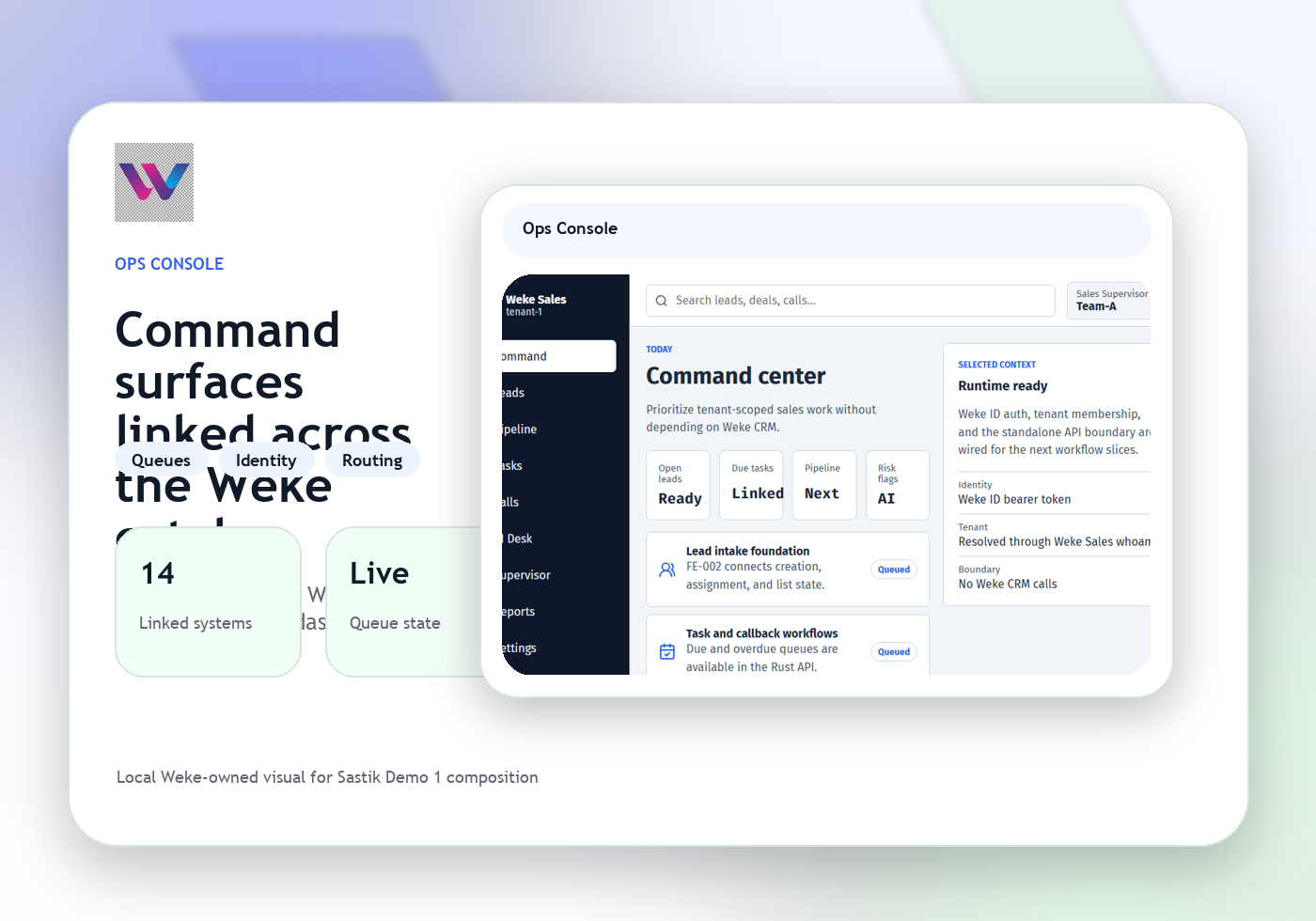
Coordinate actions across teams and systems
Escalate the exact issue to the right Weke surface
Weke Console
Weke Console Features
Review the workflows, controls, and day-to-day operating detail behind Weke Console for queue state, service coordination, control room workflow, and operator review.
Read queue state and service health together
Console shows the operational picture across services, queues, and linked tooling so an operator can understand status without rebuilding it manually.
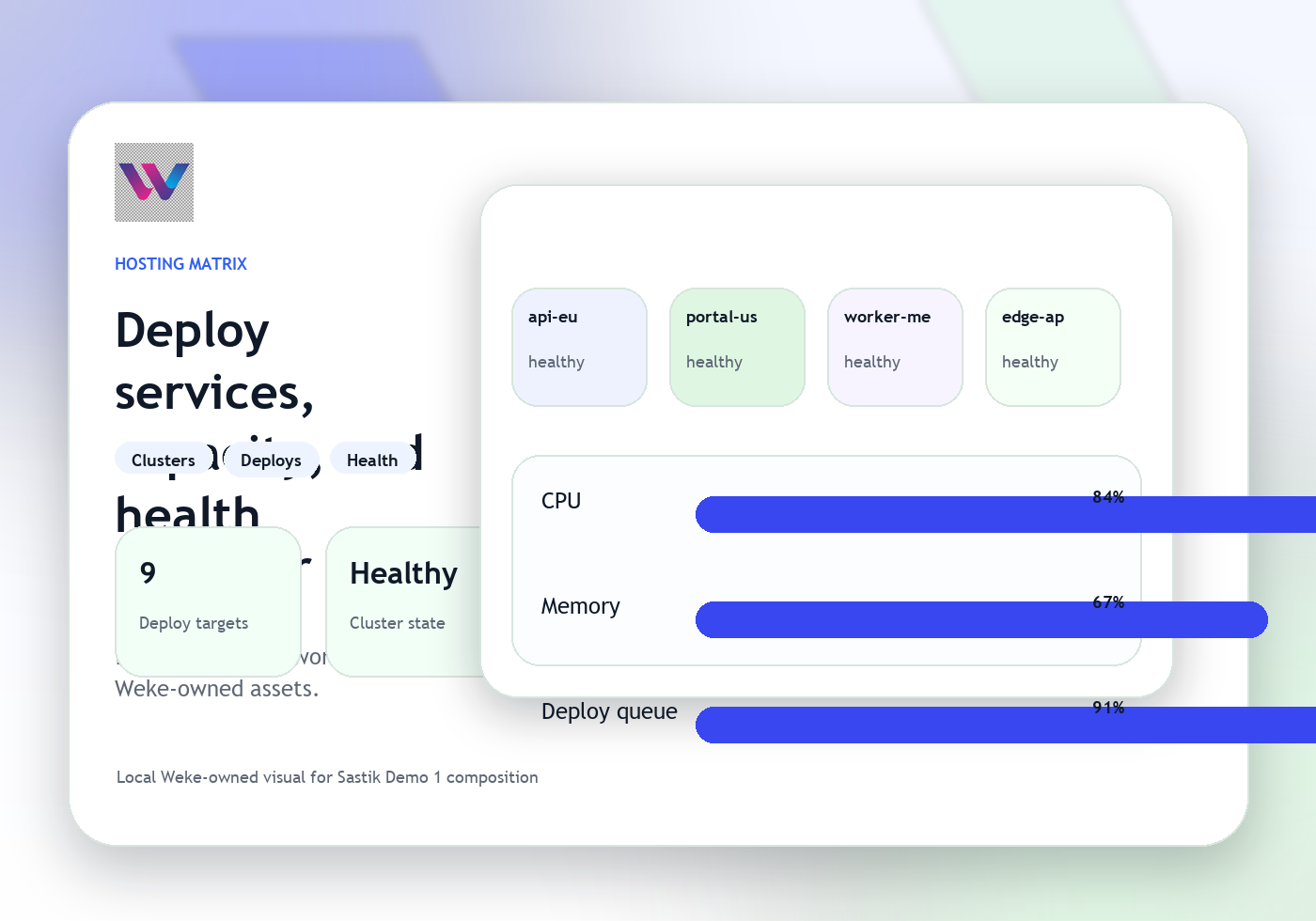
Coordinate actions across teams and systems
Operators can move from the control view into the right hosting, identity, support, or monitoring workflow with the service context already attached.
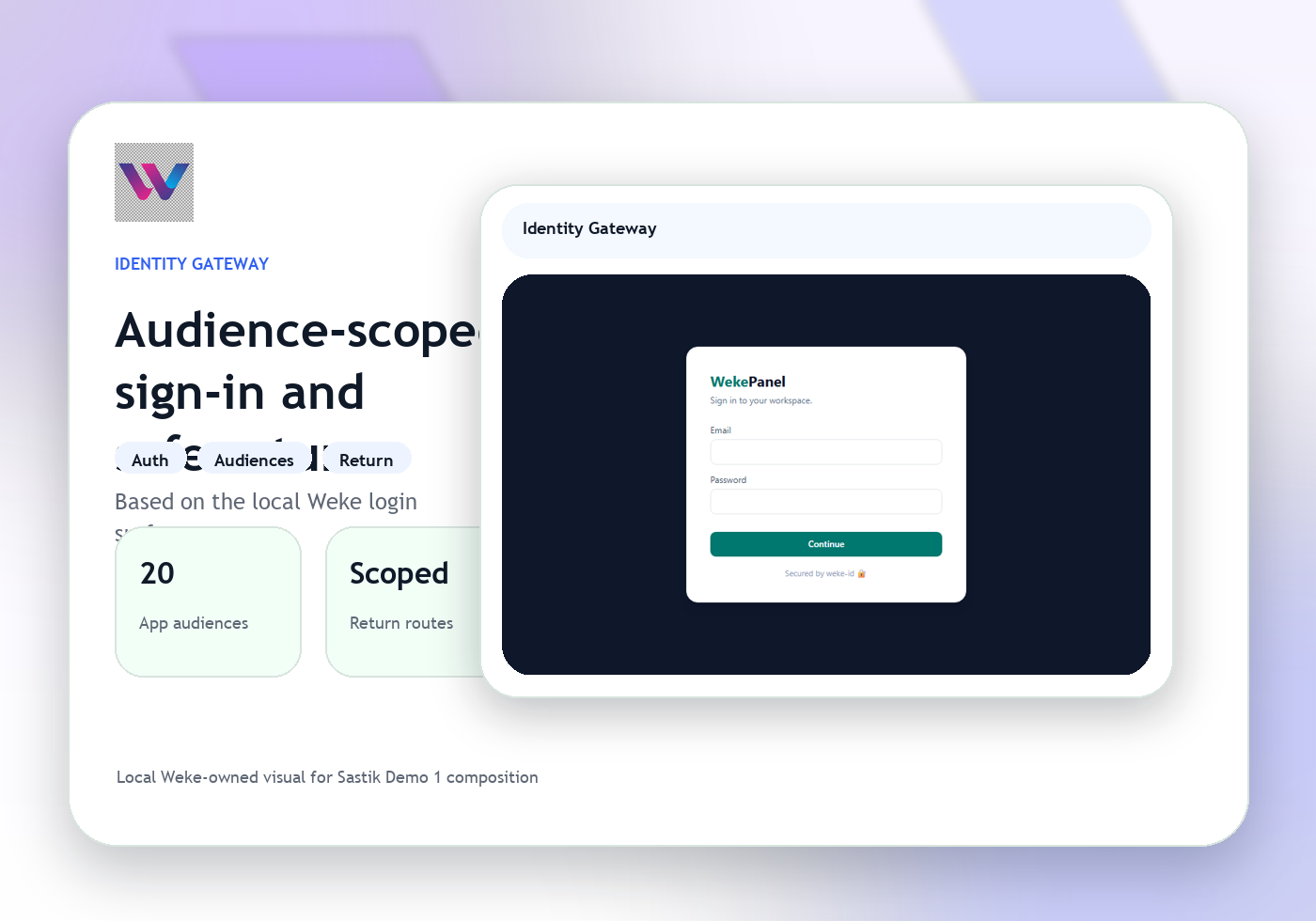
Escalate the exact issue to the right Weke surface
When Console identifies the next move, the handoff goes to the correct product instead of a vague shared inbox.
Weke Console
Weke Console Workflow
Follow the three operating steps that keep queues, service coordination, control room visibility, and linked operations moving.
Resolve the current queue and service state
Start with the active queue, service, owner, and severity that define the control room picture.
Confirm the operator action and dependencies
Check service health, linked systems, and pending tasks before changing state or escalating the issue.
Route the next task into delivery
Console passes the issue into hosting, support, identity, or another Weke workspace with the right operational detail.
Give operators one control room for service coordination
Weke ID handles login and registration for Weke Console and returns only to https://console.wekedev.com/app.